Quickly troubleshoot any issue by re-running simulations and executing the entire simulate → inspect → adjust → resimulate flow in Virtual Environments. Re-simulate with the same parameters on the latest or pending block in one click.
Re-simulate from the results page
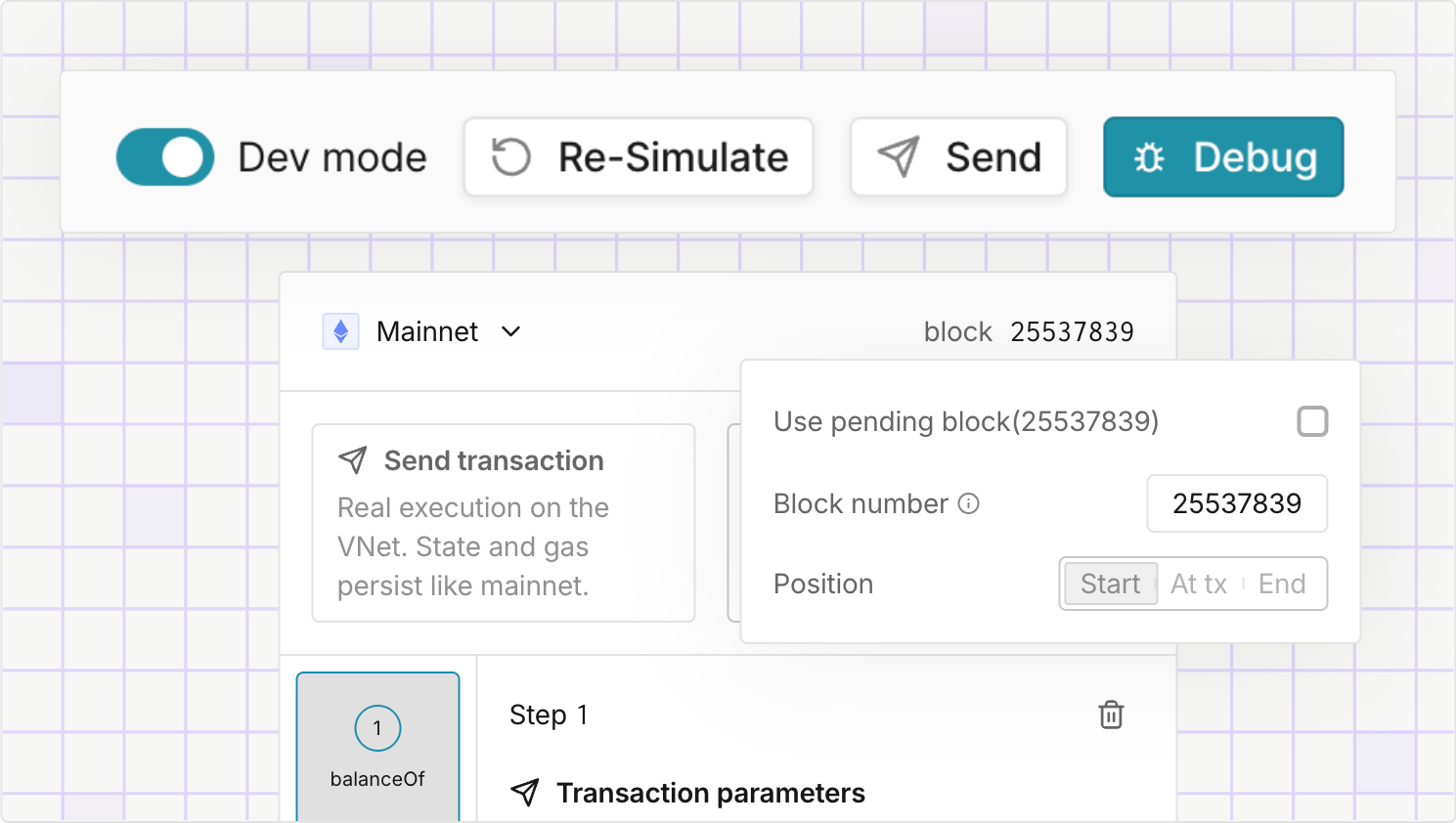
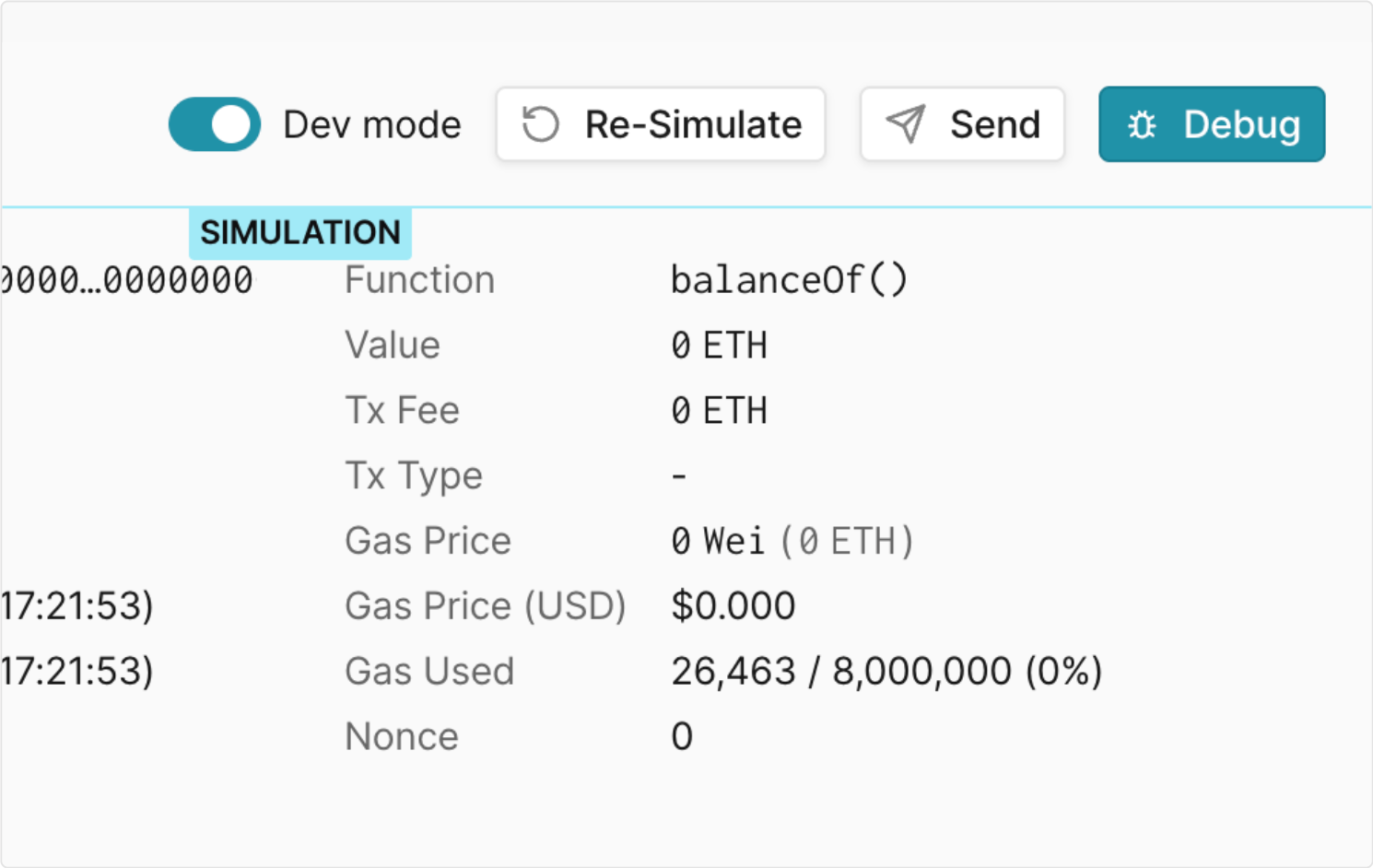
Instead of re-building requests and recreating the debugging context, select Re-Simulate on any simulation result to run it again with the exact same parameters in place.
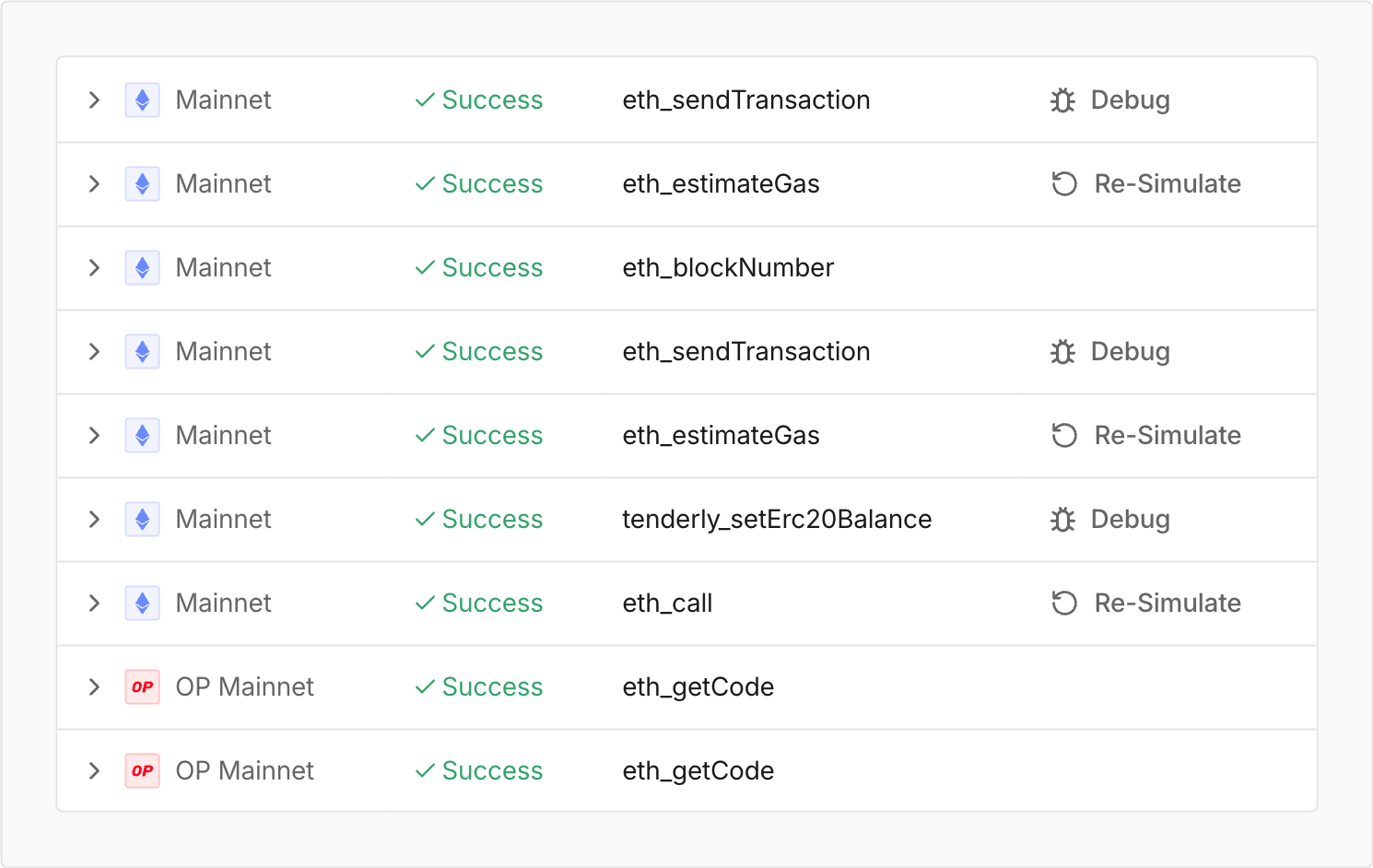
Logged calls on the environment's JSON-RPC page have the Re-Simulate option too, opening the Simulator within the Virtual Environment prefilled with the call parameters.
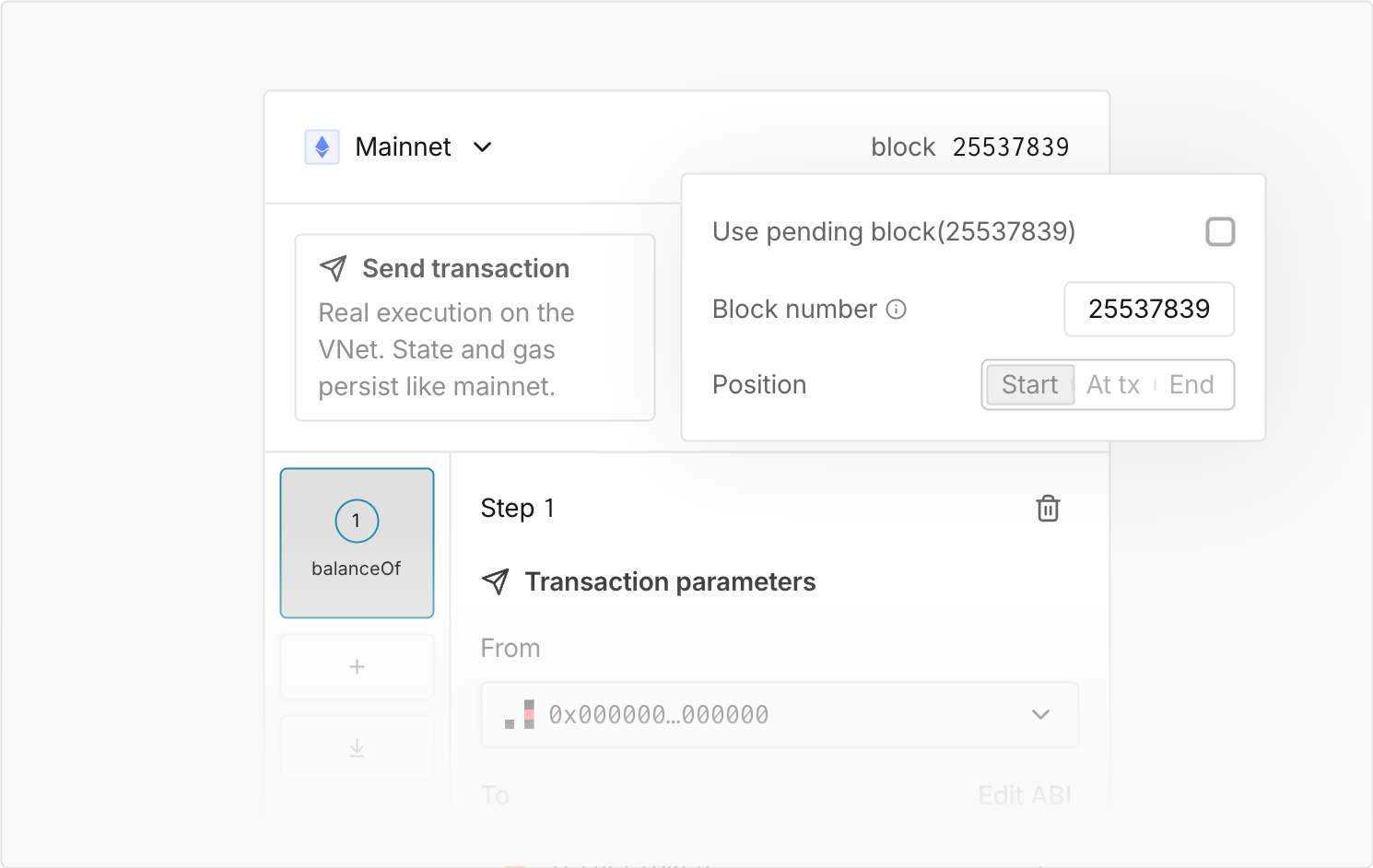
Simulate on the latest and pending block
Choose the block context that matches your scenario and get the same result on every re-run. Pending simulations keep consistent block context across executions.
If the environment was rolled back after the original run, for example via evm_revert, a contextual note tells you the re-simulation executes against the current state.
Run the complete debugging loop faster
Iterate faster without losing context or breaking your debugging flow. Re-run simulations quickly to validate a fix or replay the execution against the block context you need. Model different scenarios in Virtual Environments!